Getting Started
Requirements
MailSentra requires WordPress 5.8 or later and PHP 7.4 or later.
Install
- In WordPress, go to Plugins > Add New Plugin.
- Upload the MailSentra ZIP, or install it from the source provided with your purchase.
- Activate MailSentra.
- Open MailSentra > Settings and confirm that logging is enabled.
- Send a test message from MailSentra > Tools or trigger an email from your site.
- Open MailSentra > Dashboard to view the attempt.
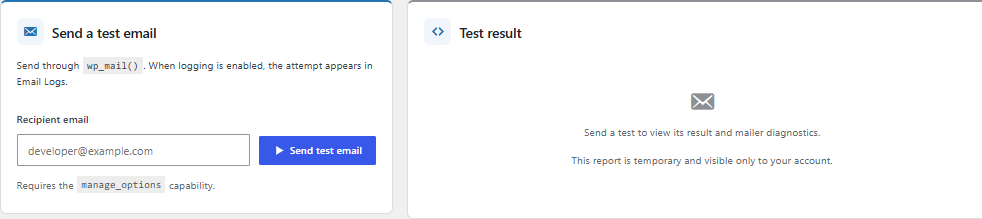
Understand the result
- Sent by site means WordPress reported the attempt as completed without a mail exception. It does not confirm inbox delivery.
- Failed means WordPress reported an email error. Available error details may help with diagnosis.
- Pending means MailSentra has not yet recorded a success or failure result.
For recipient-server acceptance, delivery, or bounce information, check your SMTP or email provider's logs.